Planning tree work
Tree Work Project Checklist
Build a checklist for tree, hedge, stump or survey work in Sudbury. Track practical arrangements and save outstanding items without sharing personal details.
Use without an enquiry
Build your project checklist
No contact details needed. Selections stay on this page and are cleared on reload.
Planning guidance only. This does not assess safety, diagnose a tree, confirm permissions or prescribe work. No prices or availability are calculated. Do not approach a hazard to collect information.
Planning tree work
Use the checklist before arranging work
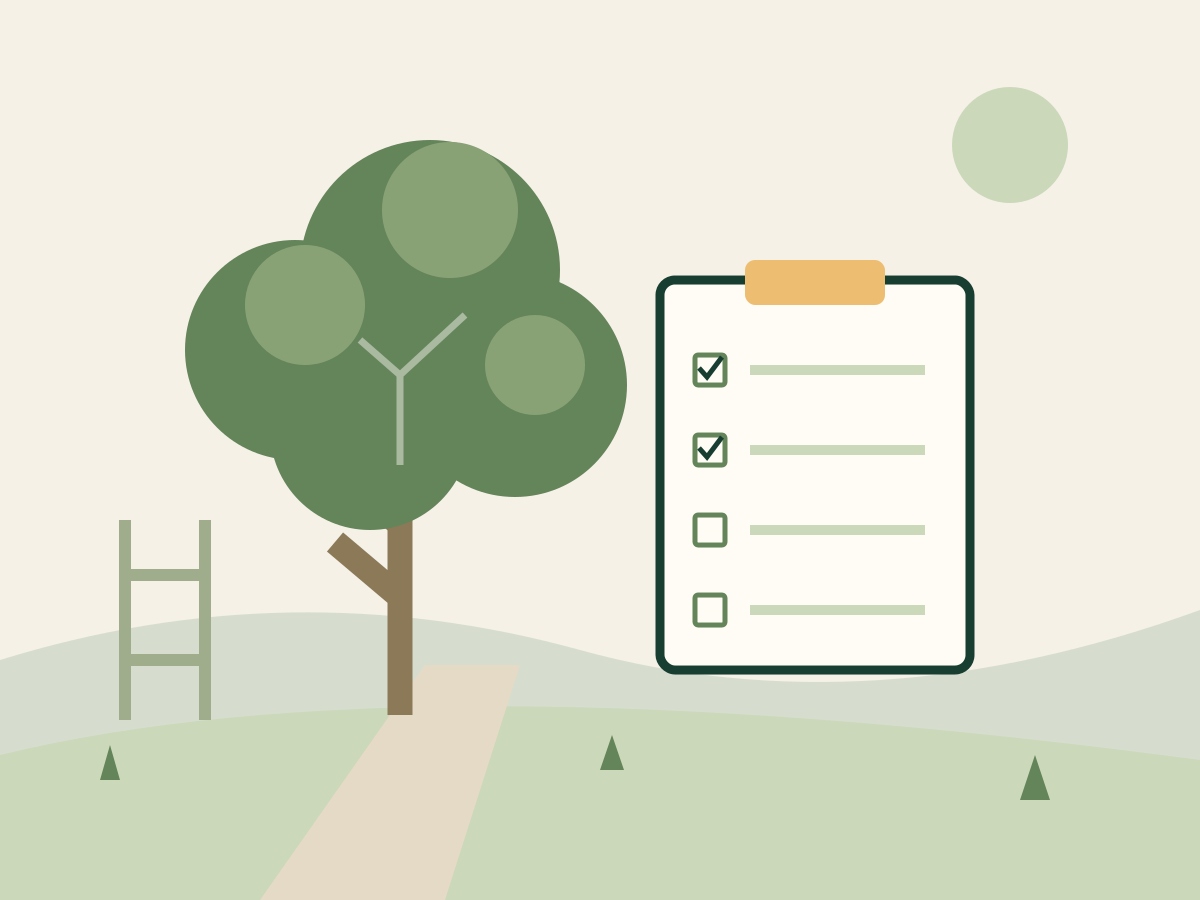
Select a project type to get relevant prompts. Tick an item when you have addressed it or confirmed that it does not apply. Leave uncertain items unticked so they remain visible in your saved list.
Planning tree work
Keep outstanding decisions visible
The count tracks your own notes, not whether work is safe or ready to proceed. Changing project type starts a new list. Copy, download or print before switching if you want to keep the current one.
Planning tree work
Where your answers go
Your selections stay in this page. They are not sent to us, added to a quote request or saved in browser storage. Reloading starts again; save your result first if you want to keep it.
Planning tree work
When an assessment is needed
These tools organise a description of the work. They cannot assess tree condition, confirm access for machinery, determine permissions or decide what is safe. An on-site assessment may change the scope.
Planning tree work
Get a quote when you are ready
The tools are available without an enquiry. If you decide to request work, use Get a quote and describe your project separately. Your tool selections are not transferred to the form.
Get a quotePractical service questions
Using tree work project checklist
Does completing the list authorise work?
No. Tick marks are your own record, not evidence of consent, a contractor check or a safety assessment.
What if a task does not apply?
Confirm that it is irrelevant to your project before ticking it. If you are unsure, leave it unticked for discussion.
Will my ticks be saved automatically?
No. Reloading or changing project type resets them. Use the download, copy or print controls to keep your record.